

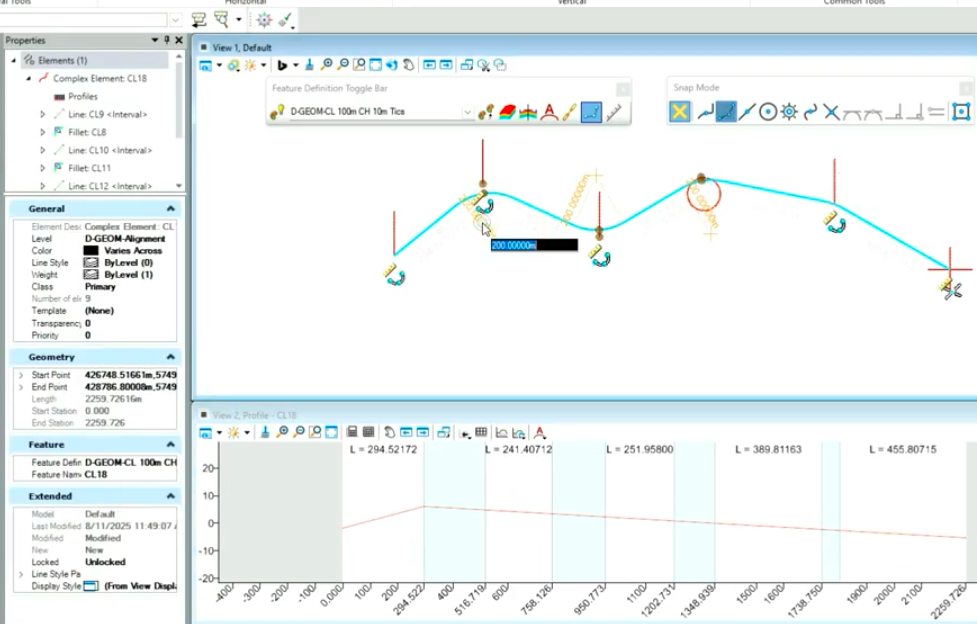
Persist Snaps allow you to retain and reuse precise snap locations across multiple commands, effectively creating temporary reference points in your design file.
They improve drafting efficiency, consistency, and accuracy — especially in complex layouts or when working from a consistent set of key locations.
They let you “lock in” your snap locations across multiple commands, so when your geometry shifts, your connected elements stay coordinated. It’s like giving your design a set of temporary reference points that remember where everything belongs.
In this short video, I’ll show you where to find the toggle, how to set your preferences so it sticks between sessions, and a few quick checks to see it working in both plan and profile views.
Simple trick, big impact — fewer clicks, fewer mistakes, cleaner geometry.
Watch the clip and see how it works in your own files.
Leave a Reply